
FlipHTML5 Gives Every Team a Flipbook Maker for Online Publishing
Oct 22, 2026
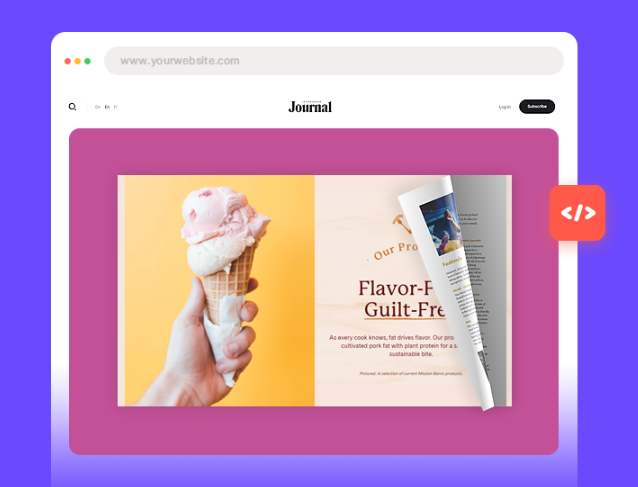
FlipHTML5's flipbook maker gives publishers, teachers, and sales teams one place to turn finished files into publications people can open, flip through, and pass along.
Hong Kong, Hong Kong S.A.R. Oct 22, 2026 (Issuewire.com) - A university press, a corporate training office, and a regional sales team rarely share a design staff, yet each needs a document readers can open on a phone. FlipHTML5 centers that work in its flipbook maker, a browser-based publishing tool that turns an existing file into a publication with a page-turn effect. The flipbook maker is built for people who already have the content and want it readable online, with branding and sharing handled in the same place.
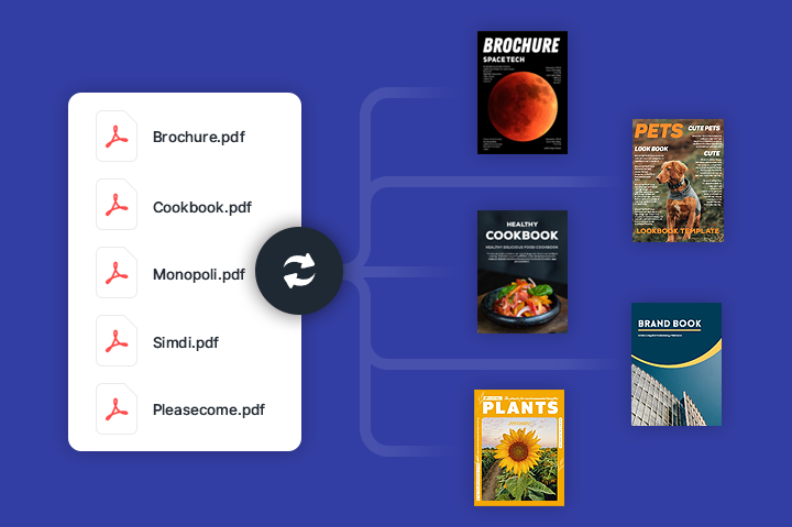
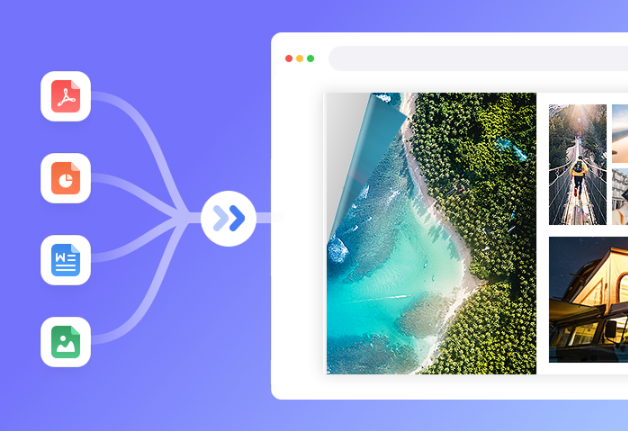
A publisher preparing a seasonal catalog starts from the file the printer already approved. The flipbook maker accepts PDF, Word, PowerPoint, PNG, and JPG uploads and keeps the original content and layout in place, adding page-flip navigation on top. Because the pages are carried over as they stand, the catalog the sales floor already trusts is the catalog a buyer opens in a browser. That preservation is the reason a team reaches for the flipbook maker when the source design is finished.
A school communications office can decide how the publication behaves around those pages. Inside the flipbook maker, staff set the background, toolbar, and theme, choose fonts, and can run a short preloader video before the first page. A logo and a custom domain keep the book on the institution's own address, so families recognize the sender before they start reading. These settings wrap the publication; the interior pages remain the file that was uploaded.
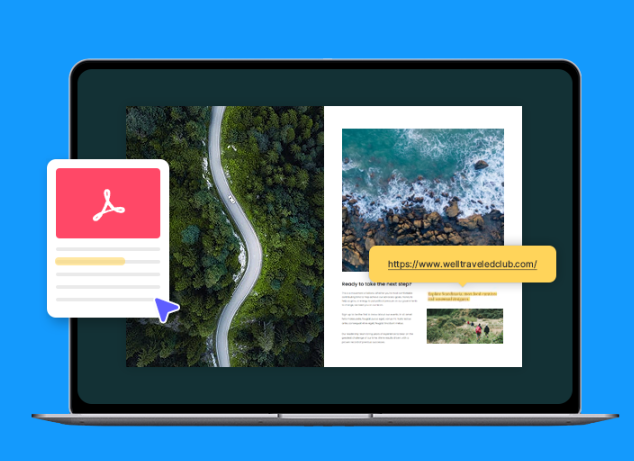
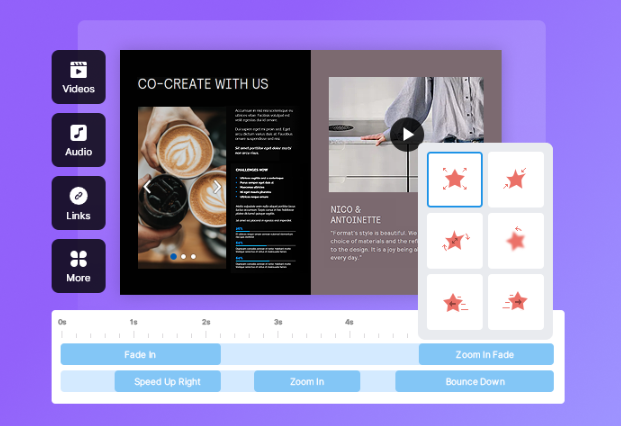
A product marketer uses the same flipbook maker result as more than a static replica. After the publication exists, the page editor accepts video, audio, images, hyperlinks, and hotspots, so a spec sheet can carry a demo clip or a jump to a pricing page. An AI PDF chatbot lets readers ask questions about the publication. The flipbook maker builds the publication first; multimedia comes after the pages exist.
Teams without a designed file can start from flipbook templates, choose a ready layout, and edit text, colors, and branding in the page editor. The flipbook maker path keeps an approved file intact. A template is the start when no designed source exists. Either result can still take images, audio, video, and links in the editor.
Sharing sits in the same flipbook maker workflow. The tool generates a link and a QR code, supports social posts that show the cover, title, and description, and lets the book be embedded on a site. Offline copies download as an EXE for Windows or an APP for Mac, and a password can limit access. "Departments should be able to publish from the files they already trust," said Winston Zhang, CEO of FlipHTML5. "The flipbook maker keeps the original file whole, then gives every team the same ways to share it."
To learn more about the flipbook maker, please visit FlipHTML5.
About FlipHTML5
FlipHTML5 turns PDFs, Word files, slide decks, and images into interactive publications that readers open in a browser. Publishers, schools, and sales teams all start from the same upload, then branch into the branding and sharing settings each audience expects.
Media Contact
FlipHTML5 Software Co., Ltd.
02061972665
Flat/Rm D3, 11/F, Luk Hop Industrial Building, No.8 Luk Hop Street, San Po Kong, Kowloon, Hong Kong
Source :FlipHTML5 Software Co., Ltd.
This article was originally published by IssueWire. Read the original article here.






YOUR NEWS, OUR NETWORK.
Do you have Great News you want to tell the world?
Be it updates about your business or your community, you can make sure that it’s heard by submitting your story to our network reaching hundreds of news sites across 6 verticals.